Real-time logistics visibility and supply chain management.
The Problem
Shipment tracking and carrier management is hard, especially for large global manufacturing companies like Dyson. If the logistics manager is lucky, they only have one carrier relationship, like Fedex, that they have to manage. But usually, like in Dyson's case, they work with 3 or more carriers servicing all of their global markets.
Keeping tabs on all their shipments (we're talking 1,000s of shipments in-transit on any given day) can be almost impossible.
Monitoring their shipments means logging into each of the individual carrier's websites, tracking down the shipment's status and then reporting the findings and metrics back to their team. Lots of spreadsheets are passed around. These spreadsheets can become quickly outdated (almost the moment they are sent.) Lastly, confusion stems from the digging-through-email-to-track-who-said-what ritual.
What logistics managers need is one place to manage and monitor all their shipments and carriers, while keeping their team in the loop. The answers to these questions rely on real time up-to-date information, which is not always available or can be a painstaking process to hunt down. Enter Transport.
Users & Audience
The current target users of Transport are logistic managers or inventory specialists for large global manufacturing companies that work with multiple carriers.
The important thing to note about our users is that they are not using these tools because they like them: they're using it to get a job done. They have a goal defined by their position that they need to accomplish, and they are given the tools they use. Our users are considered "prepared users", in that they can easily articulate what it is they do with their current tools to get their job done and what they feel is missing or could be improved upon.
The biggest complexity with these users is that every supply chain or business process is defined and carried out a little differently. The Transport application had to work for multiple industries from consumer electronics, to automotive, to pharmaceutical, to industrial and telecom.
Finding the common goals and solutions across logistics in these different industries continues to be a fun and invigorating challenge for Transport as a product.
Team & Stakeholders
Product Team
I worked closely with my Product manager (PM), engineering
and design team. My PM and I work together to prioritize the
backlog of seemingly endless problem statements and features
to tackle those; we work with the engineering team to help
scope the potential features and brainstorm ideas for the
multiple ways to implement them.
Design Team
I worked with the cross-company design team (interaction and
visual designers) to ensure consistency across our platform
by using reusable components and style guide patterns when
possible. Elementum has 3 main applications: Transport,
Exposure, and Manufacture. All run on the same platform,
so it's important to keep in-sync with the design team.
Customers
I've gone out into the field to perform usability
research with our client's logistics and inventory teams
to gather feedback and validate concepts.
Constraints
Partial data / data quality
Transport relies on carriers and suppliers to seed data into
our platform. The perfect shipment contains a ton of detailed
information. Unfortunately, we don't always get 100% of that
information. This has been my biggest (and most rewarding)
challenge. We had to: 1) design an interface that is flexible
enough to accommodate the least amount of info we could
receive; 2.) intelligently tell the logistic manager why we
didn't receive certain pieces of information, 3.) provide
steps they can take to find the missing data.
Balancing customer requests with what's best for the product
When building for your first customers, you want to maintain a
great relationship. For enterprise software, that means
accommodating specific requests from your customers which
reshuffle other priorities. We had to peel the layers off a
request to get at the heart of a problem, all the while taking
the customer through the process with us.
Keeping consistency across web and mobile
Designing an application that has both web and mobile presence
is interesting when most of your users are desktop power users.
Defining the appropriate context (where and how the user was
trying to get their work done) and then designing for those
contexts are challenging.
For example: the shared "search or filter" component was a balance between Elementum design (For the web) and native components (for iOS and Android.) If I added a new filter category to web I would have to make sure mobile was also updated (iPhone and Android.) It was ~4x the work!
Design Process
The overarching process was pretty similar, plus or minus a couple of the following steps:

First stop would be the kickoff: I'd get together with our PM to go through the backlog of features and customer requests, and re-prioritize them on a weekly basis. I would facilitate these exploration sessions through whiteboard documentation or design exercises (so many sticky notes.)
I'd take notes (and document photos) throughout our discussion so that we could walk away with action items. Then I'd head back to my computer to document the notes and begin sketching flow diagrams or layout concepts.
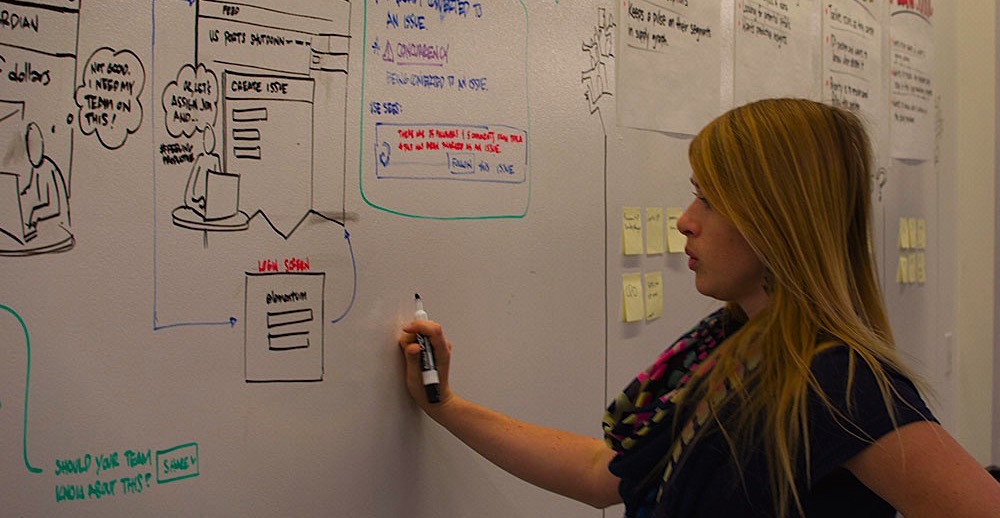
I ♥ whiteboards for capturing ideas during exploration sessions.
At certain checkpoints, it was time to review the various iterations (and the new insights/problems/ideas) that I'd worked through with my PM. After those were addressed, I may have jumped into a prototype to get a better feel for the flow, interactions, and general usability with our more refined problem/goal in mind.
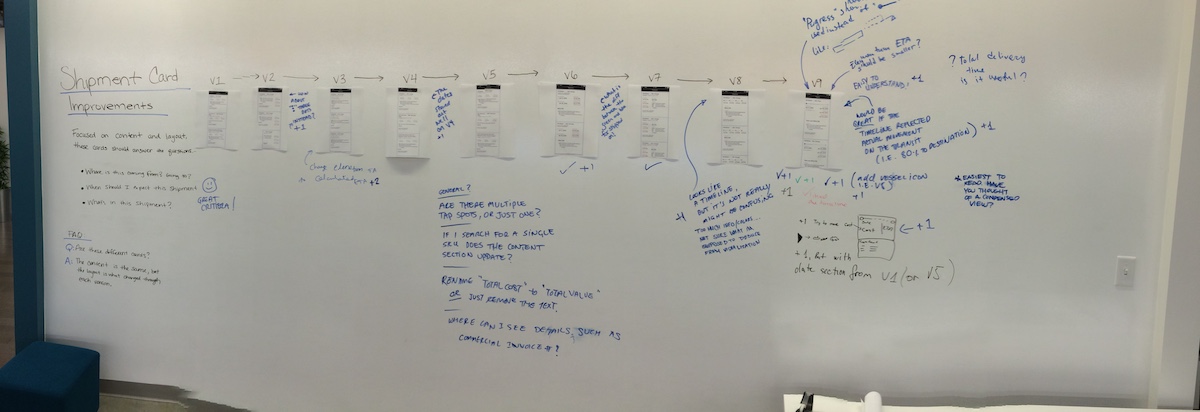
Iterations, iterations, and more iterations. You see that V9 there? That's only the start.
Often, I'd socialize my thoughts with the design team. We'd help each other identify if there is a common pattern already in place that I could consider using to speed up the implementation, or if this problem presented a new pattern. If a new pattern was identified, we'd document it and add it to the pattern library for the next time.
Once layouts, flows, and basic interactions were mocked, I would work with my visual designer to get the full high-fidelity comps ready for review with the product team.
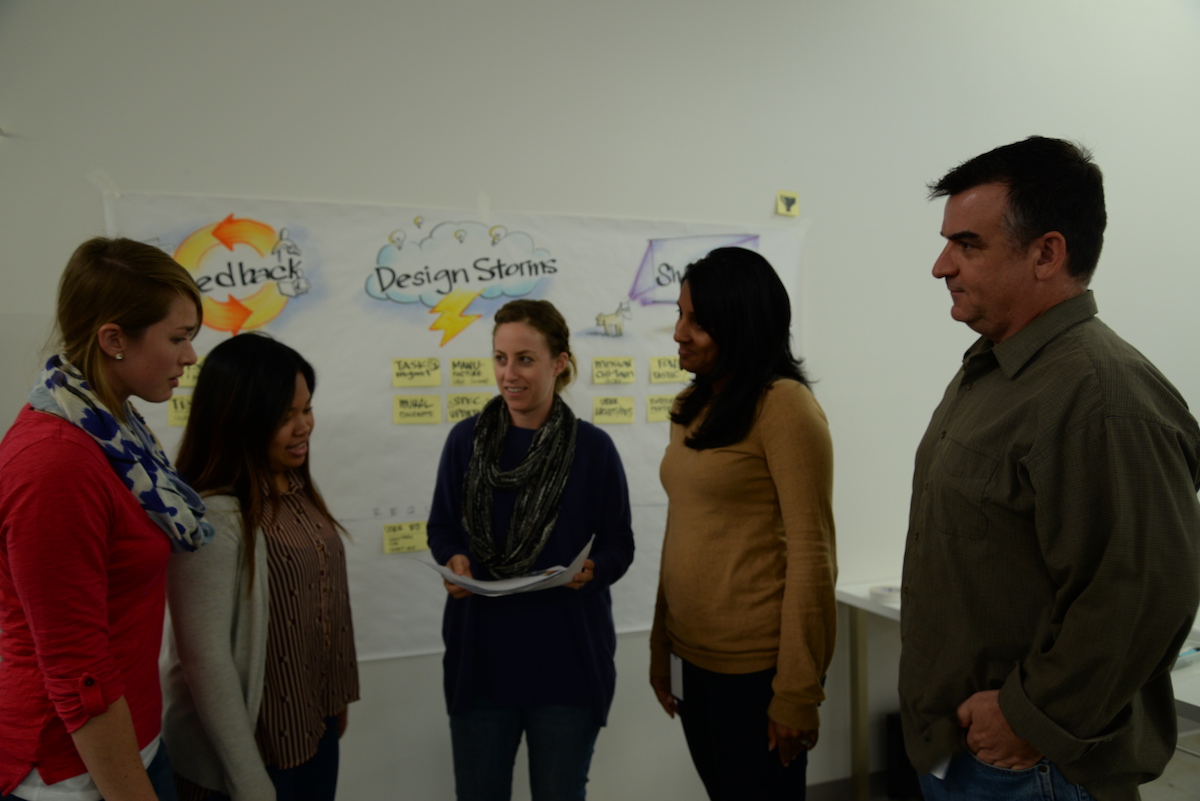
The design team catching up on patterns.
Elementum works with a variety of collaboration tools (like Confluence, Google Docs, and Jira.) The design team is fully integrated with the rest of the company. We followed this process for all of the features that make up Transport today.
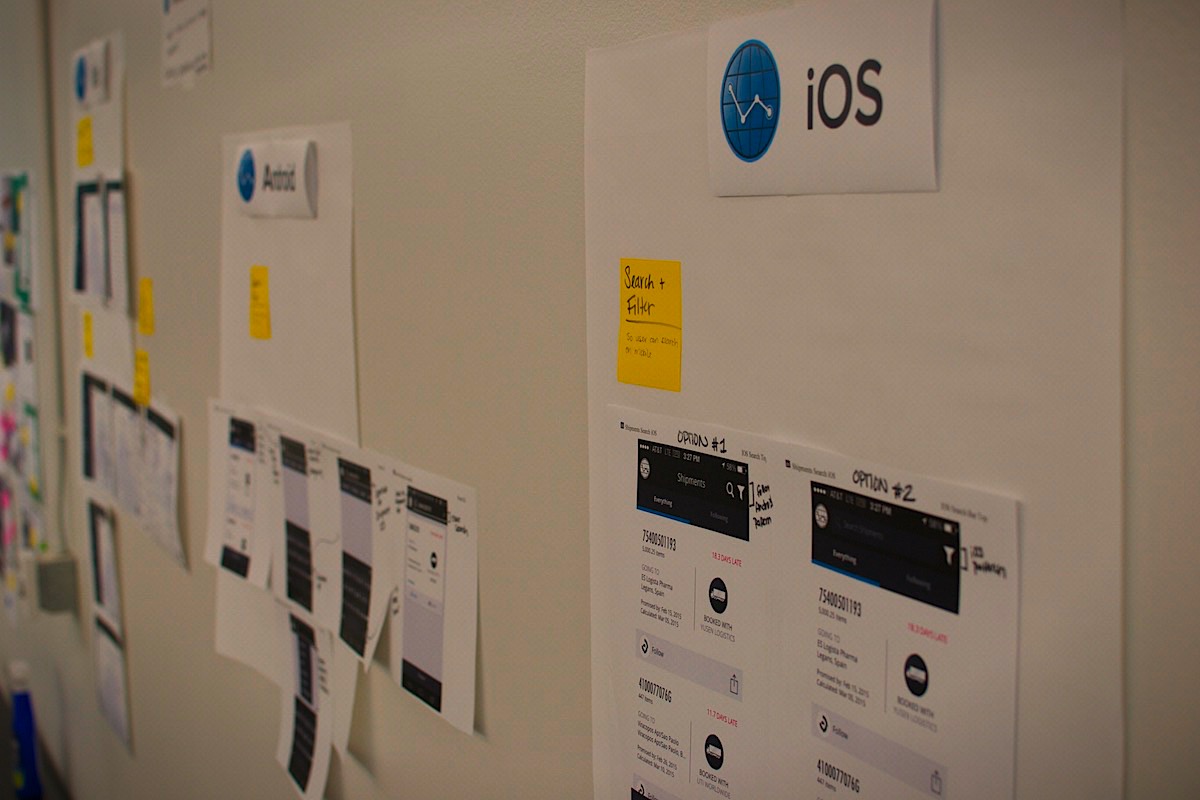
Posting our designs for the company was a great way to get feedback and keep people in the loop.

I'd have an inspiration mood board that I'd constantly update with designs I'd want to meld into Elementum's style.
The Result
Transport is now supporting large companies like Dyson and Flextronics with a fully functioning web, iOS, and Android app that provides a single place for logistics managers and inventory specialists to check the latest up-to-date shipment information.
Retrospective
Make consistent user research a part of your process.
There is only so much time in the day, but I always wish there was
more time for customer feedback and user research. We have
performed lightweight, guerrilla research at Starbucks coffee
shops, remote usability sessions, and even in-person
workshops with some of our current customers, but it wasn't
consistent. I'm always in awe at the gold mine of
information and clarity these sessions bring.
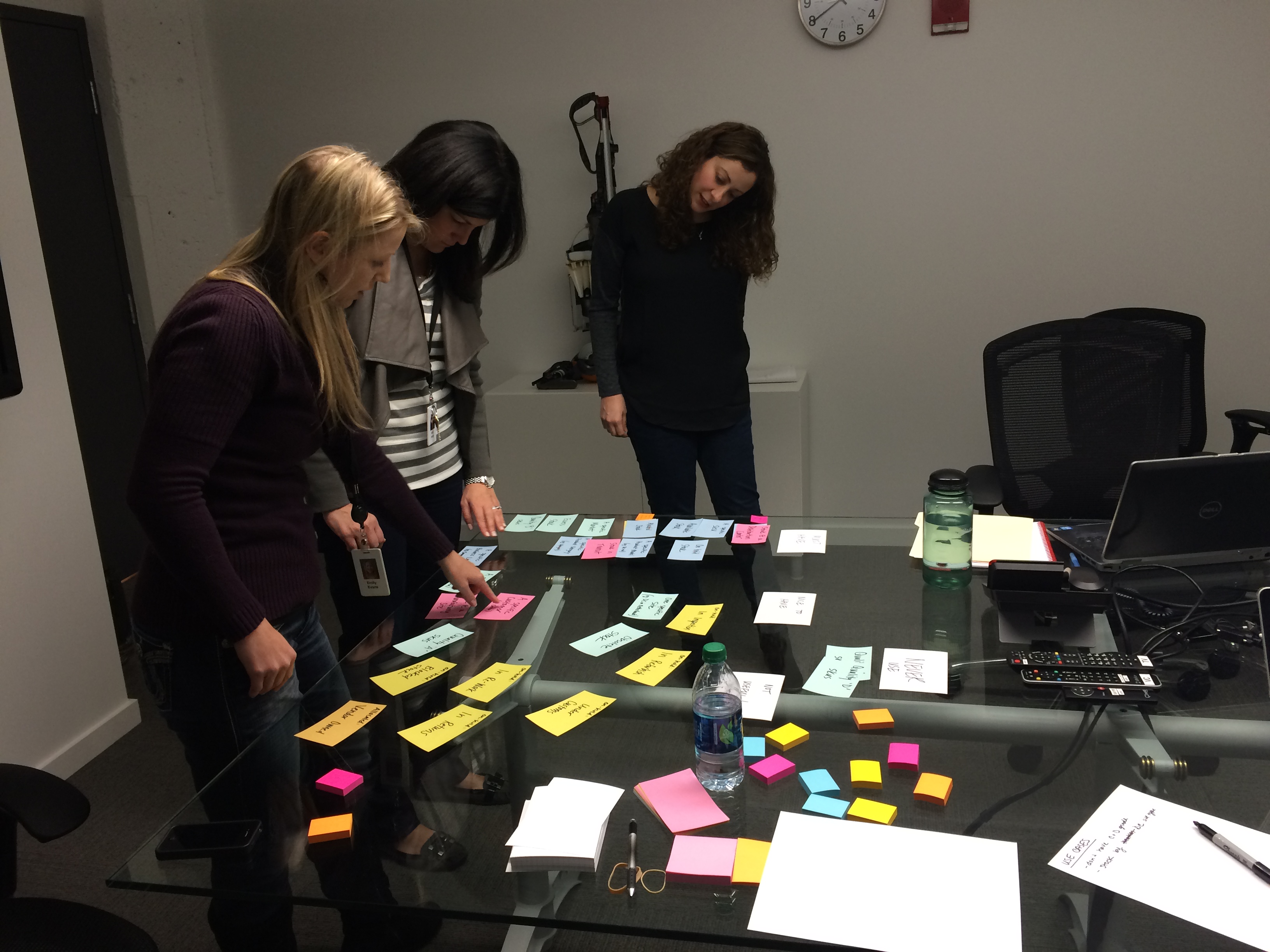
Dyson research trip: card sorting activity to dive into the minds of our customers.
Quantitative analytics can clarify design decisions.
The right combination of qualitative and quantitative data can
be a tremendous help in deciding design direction. There were
times when I wish I had more data, and there were times when
data made certain decisions dead simple.
Be flexible with your tools
Ever since the start of the project I have been experimenting
with multiple prototyping tools.
I wrote about it on my blog here.
I've also been balancing my documentation between the collaborative
Google docs or the well organized Confluence. I'm always
striving for the same thing, get everyone on the same page
and keep the process well documented and up to date.